

Logo and brand messaging: examples

Example 1
Photographic background
- Always use boxed logo
- Position: top left
Brand message
- Portrait artwork: use boxed stacked brand message
- Position: bottom left (option available to choose bottom right)
- Size: same width as logo
- Colour: Choose a complementary secondary colour from either light or dark palette that works with the image choice

Example 2
University Blue background
- Always use unboxed colour logo
- Position: top left
Brand message
- Portrait artwork: use unboxed stacked brand message
- Position: bottom left (option available to choose bottom right)
- Size: same width as logo
- Colour: Choose white or a complementary secondary colour from light palette only (the secondary dark palette colours are not legible on University Blue)
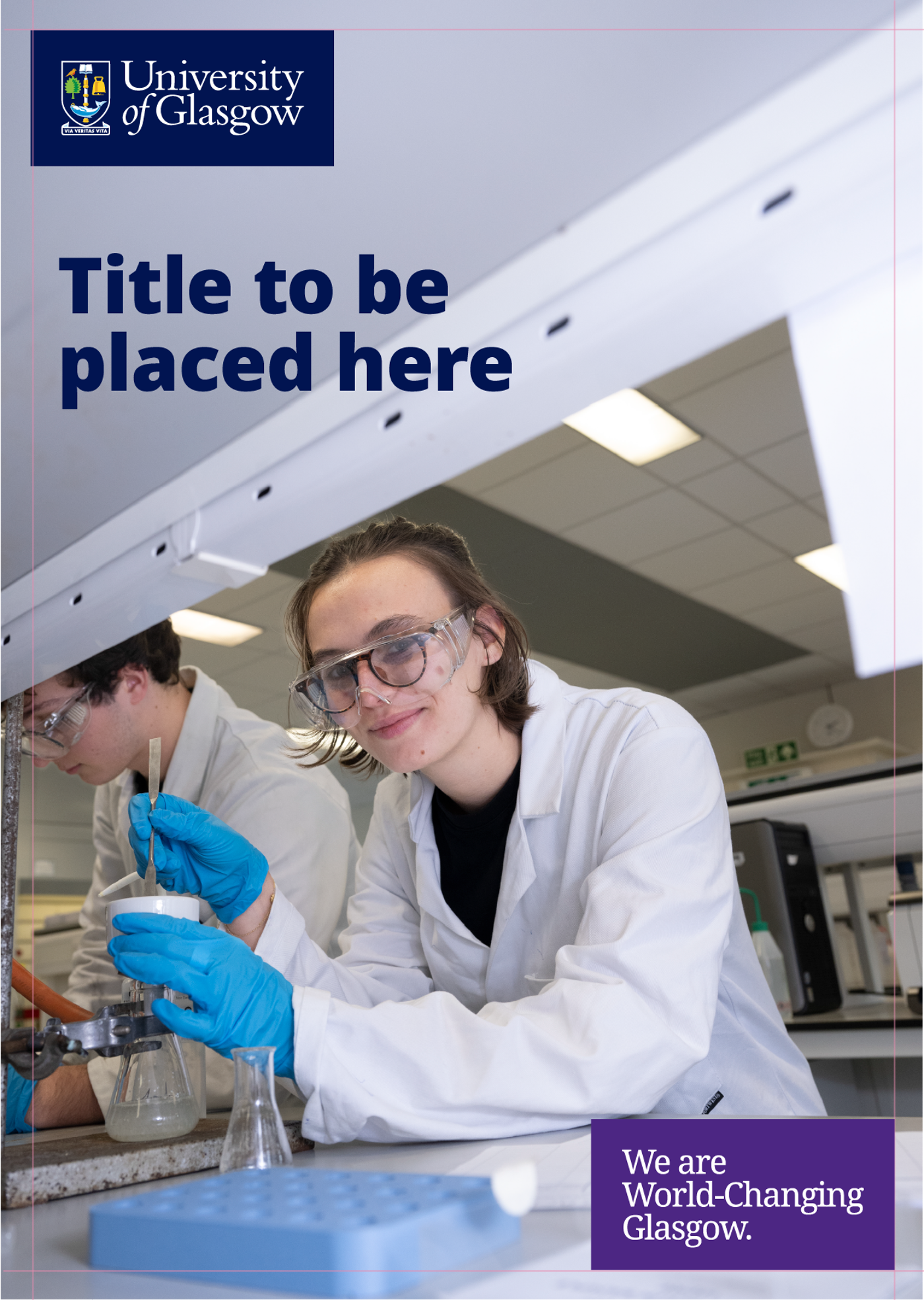
Example 3
Photographic background
- Always use boxed logo
- Position: top left
Brand message
- Portrait artwork: use boxed stacked brand message
- Position: bottom right (option available to choose bottom left)
- Size: same width as logo
- Colour: Choose a complementary secondary colour from either light or dark palettes that works with the image choice

Example 4
Secondary light background
- Use unboxed or boxed logo
- Position: top left
Brand message
- Portrait artwork: use unboxed stacked brand message if logo is unboxed (boxed if logo is boxed)
- Position: bottom right (option available to choose bottom left)
- Size: same width as logo
- Colour: University Blue only
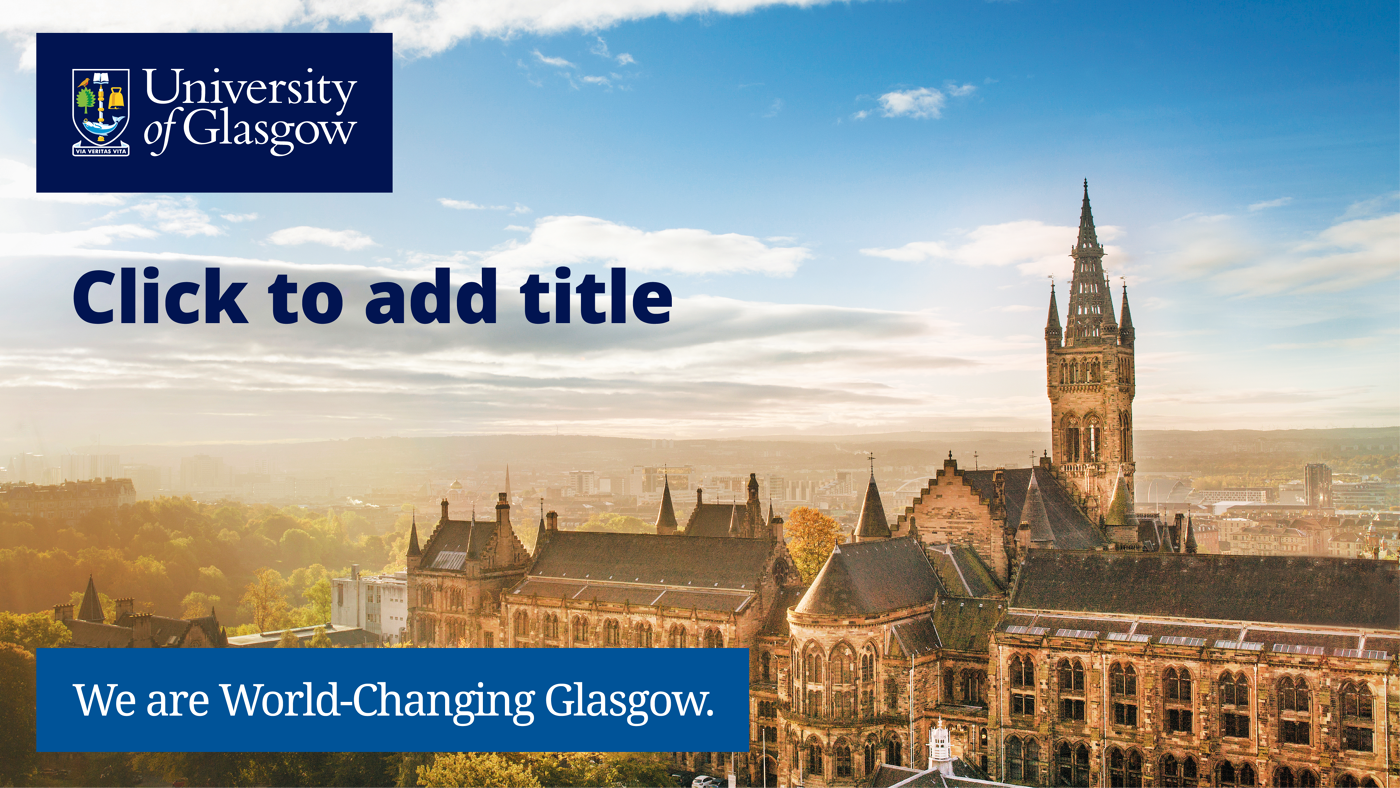
Example 5
Photographic background
- Always use boxed logo
- Position: top left
Brand message
- Landscape artwork: use boxed linear brand message
- Position: bottom left (option available to choose bottom right)
- Size: double width of logo
- Colour: Choose a complementary secondary colour from either light or dark palette that works with the image choice
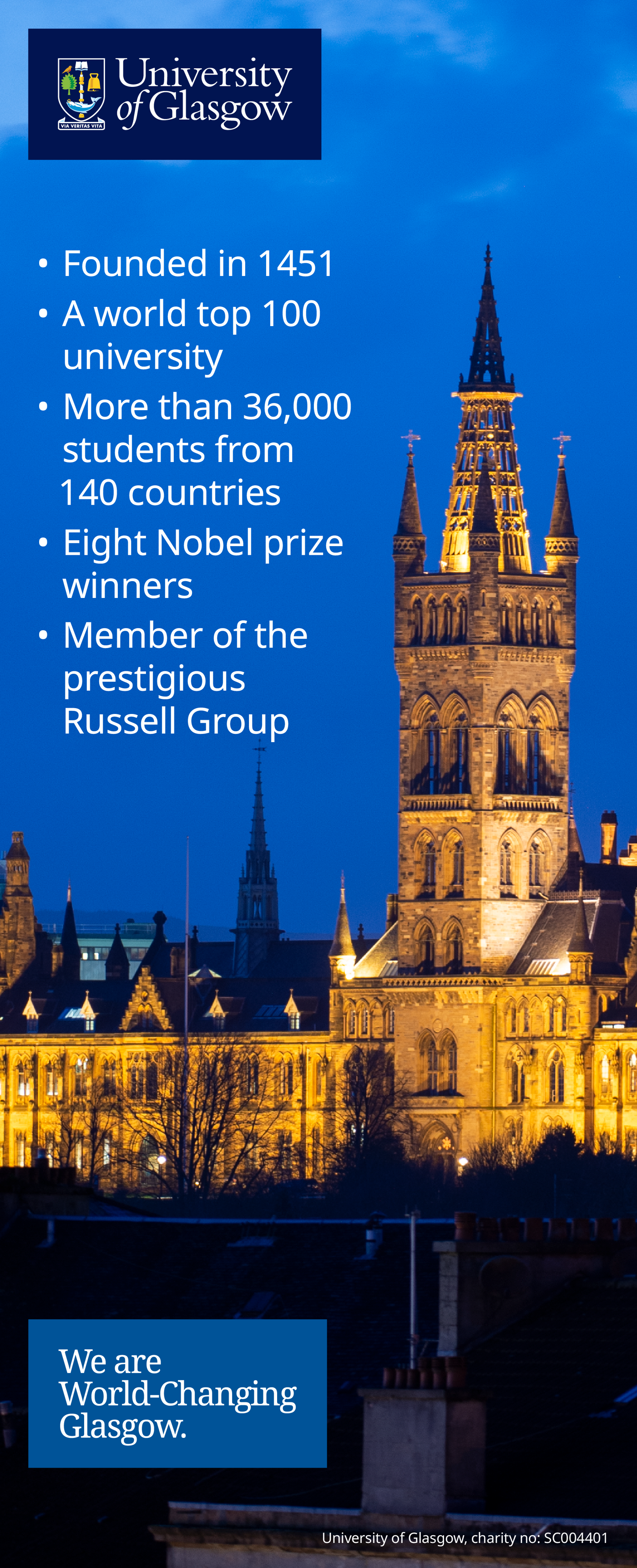
Example 6
Photographic background
- Always use boxed logo
- Position: top left
Brand message
- Portrait artwork: use boxed stacked brand message
- Position: bottom left (option available to choose bottom right)
- Size: same width as logo
- Colour: Choose a complementary secondary colour from either light or dark palette that works with the image choice

Example 7
Secondary dark background
- Option to use either boxed logo or unboxed logo
- Position: top left
Brand message
- Portrait artwork: use boxed stacked brand message if logo is boxed (uboxed if logo is unboxed)
- Position: bottom left (option available to choose bottom right)
- Size: same width as logo
- Colour: Choose a complementary secondary colour from the light palette
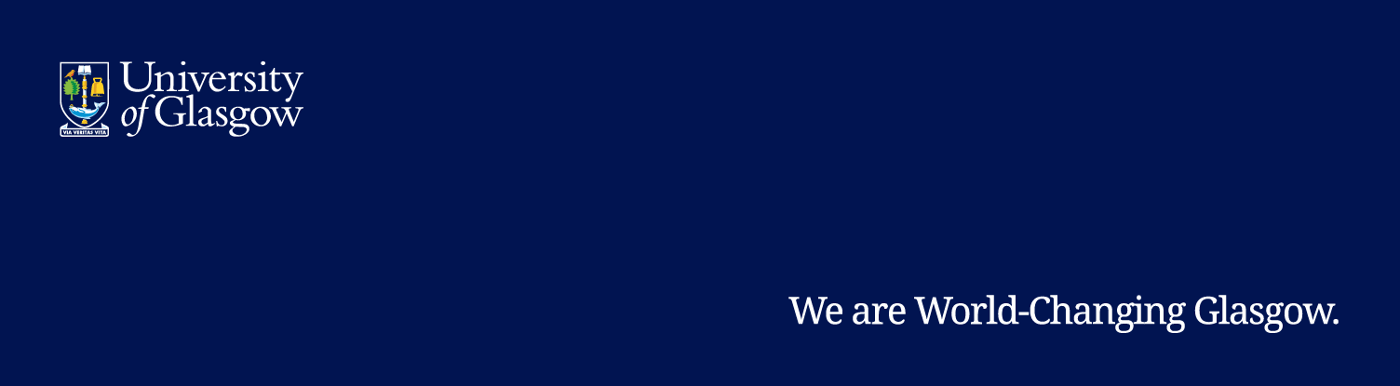
Example 8
University Blue background
- Use unboxed colour logo
- Position: top left
Brand message
- Landscape artwork: use unboxed linear brand message
- Position: bottom right (option available to choose bottom left)
- Size: double width as logo
- Colour: Choose white or from the secondary light palette

Example 9
Secondary dark coloured background
- Use boxed or unboxed logo
- Position: top left
Brand message
- Landscape artwork: use unboxed linear brand message (option to use boxed version if logo is boxed)
- Position: bottom left (option available to choose bottom right)
- Size: double width as logo
- Colour: White only
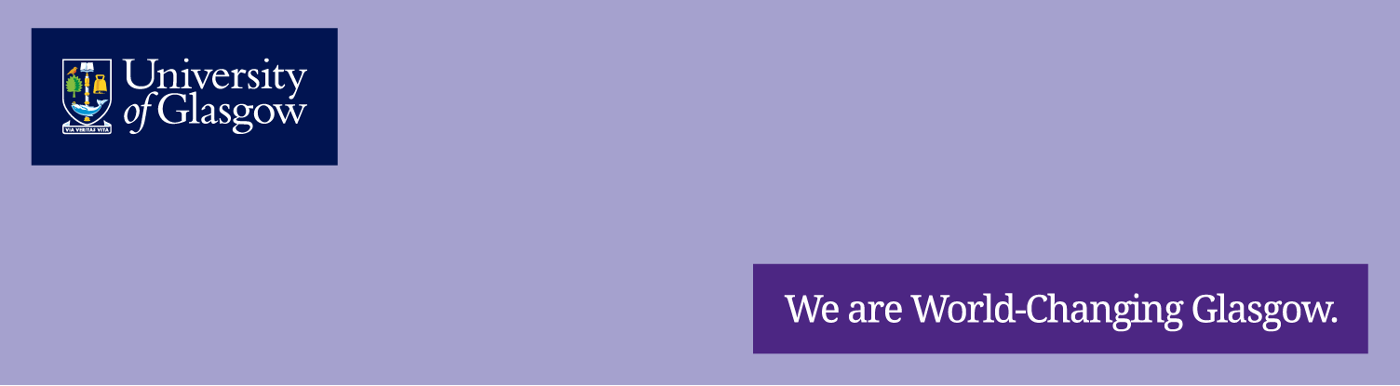
Example 10
Secondary light coloured background
- Use boxed or unboxed logo
- Position: top left
Brand message
- Landscape artwork: use boxed linear brand message (or use unboxed if logo is unboxed)
- Position: bottom right (option available to choose bottom left)
- Size: double width of logo
- Colour: Choose a complementary secondary colour from dark palette
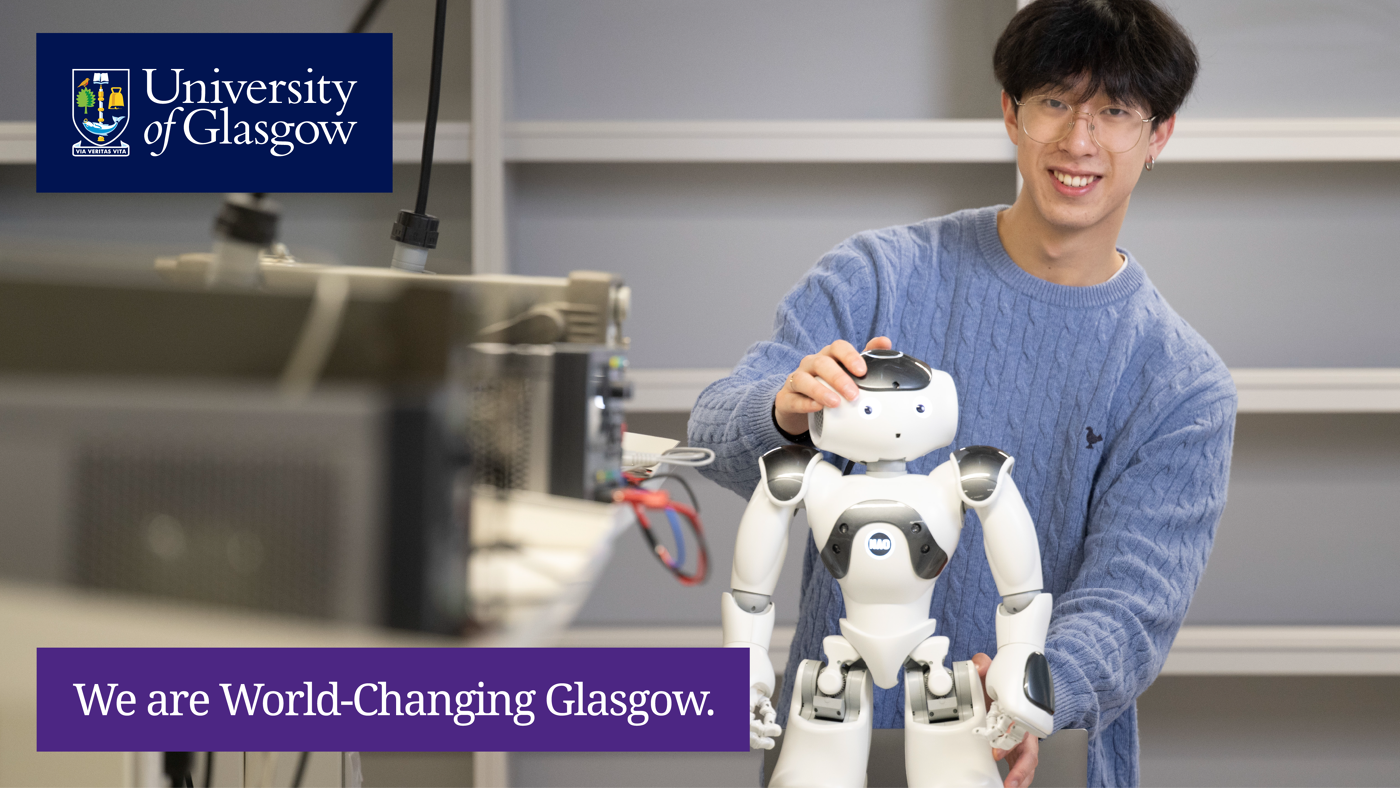
Example 11
Photographic background
- Always use boxed logo
- Position: top left
Brand message
- Landscape artwork: use boxed linear brand message
- Position: bottom left (option available to choose bottom right)
- Size: double width of logo
- Colour: Choose a complementary secondary colour from light or dark palette that works with the image choice
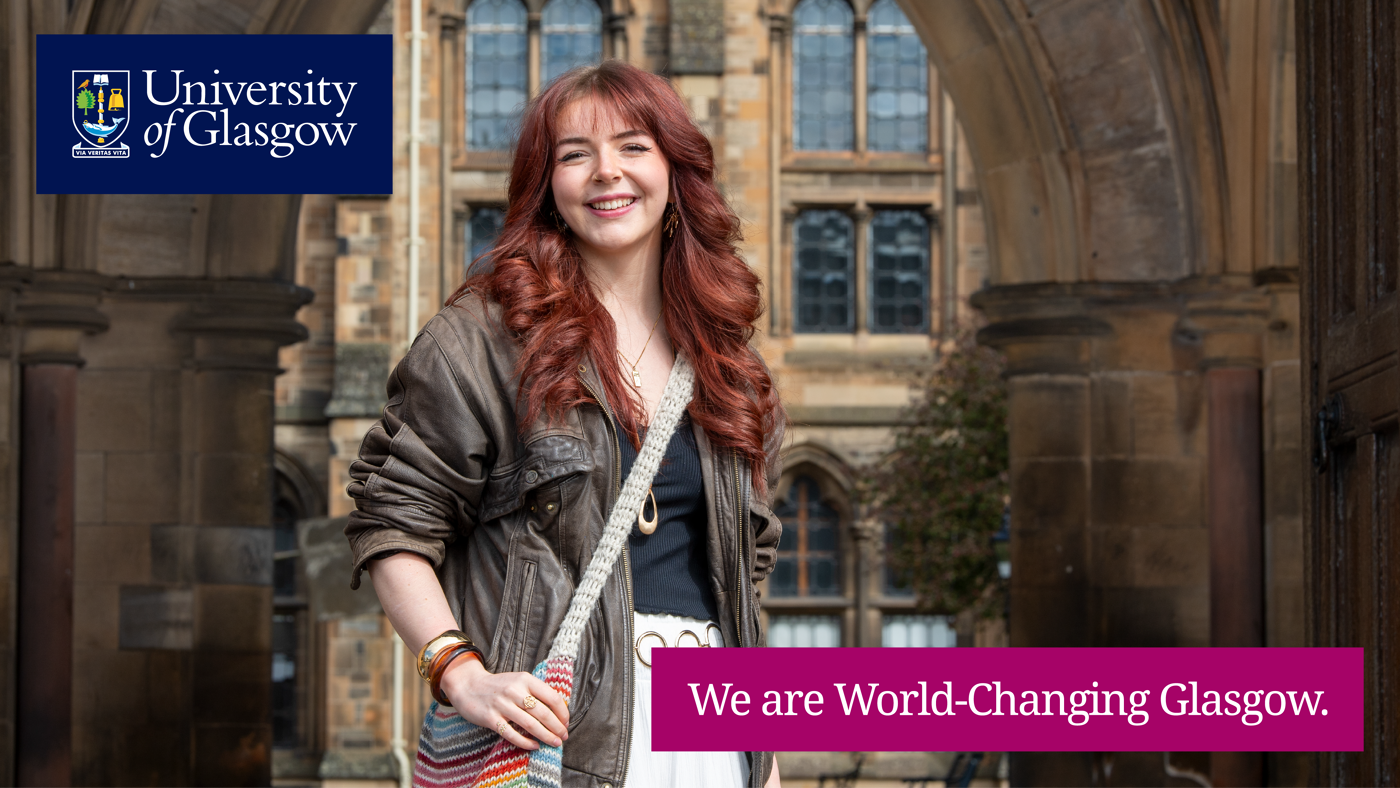
Example 12
Photographic background
- Always use boxed logo
- Position: top left
Brand message
- Landscape artwork: use boxed linear brand message
- Position: bottom right (option available to choose bottom left
- Size: double width of logo
- Colour: Choose a complementary secondary colour from light or dark palette that works with the image choice
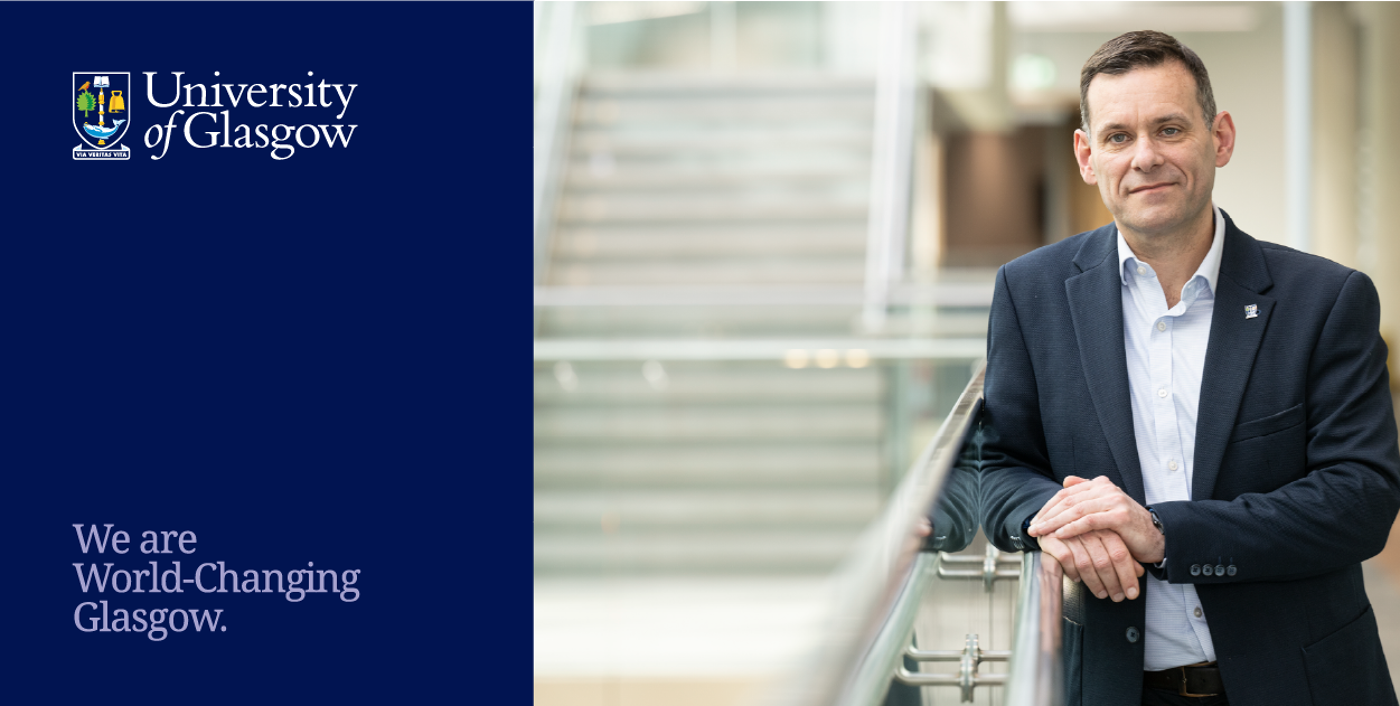
Example 13
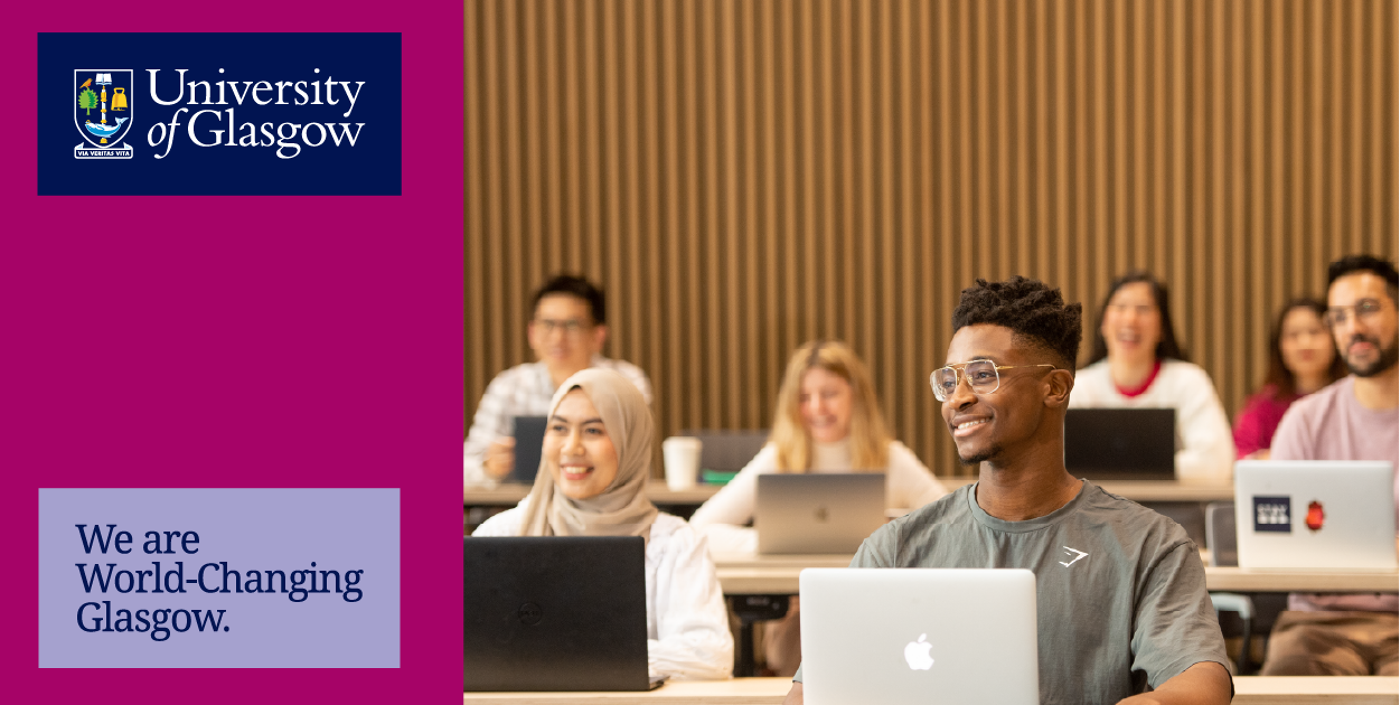
University Blue background
- Use unboxed colour logo
- Position: top left
Brand message
- Sectioned landscape artwork: use unboxed stacked brand message because coloured column is portrait
- Position: bottom left
- Size: same width as logo
- Colour: White or secondary light palette
Example 14
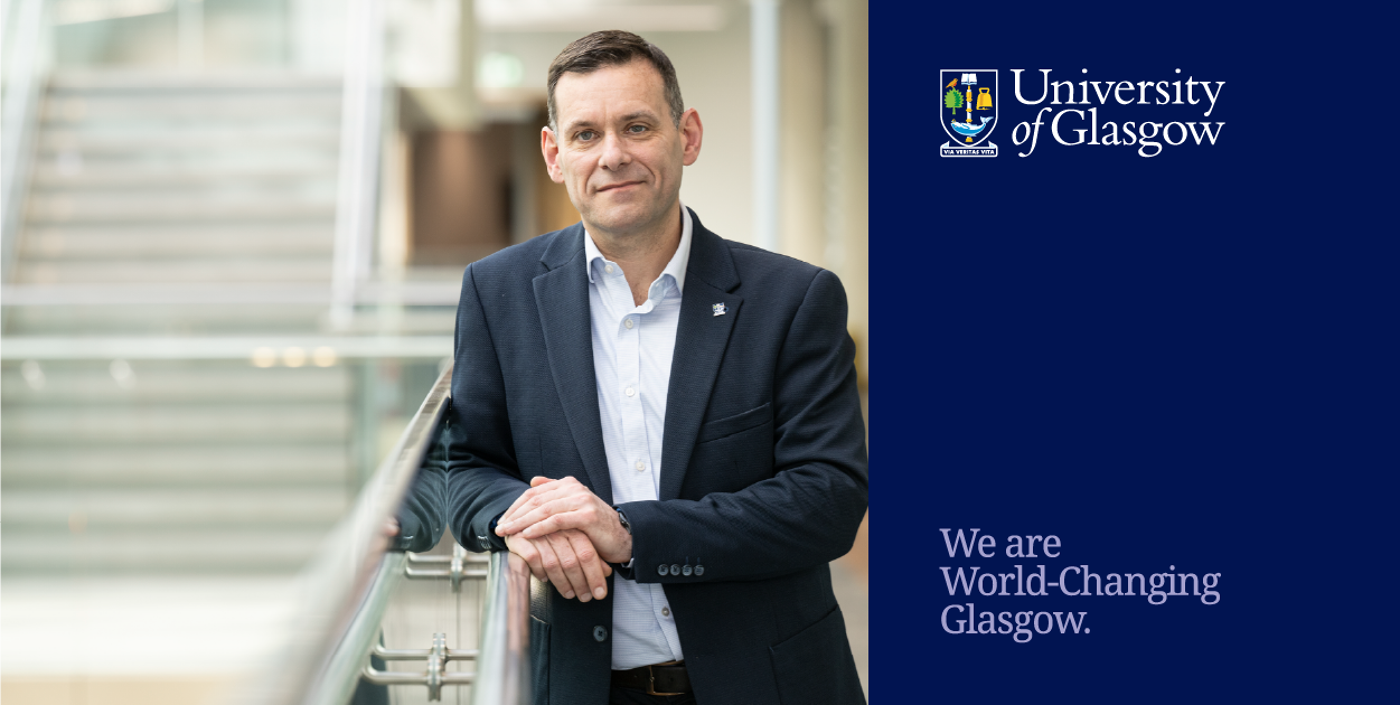
Secondary dark coloured background
- Use either boxed or unboxed logo
- Position: top left
Brand message
- Sectioned landscape artwork: Use boxed stacked brand message if logo is boxed, and unboxed if logo is unboxed. Stacked version because coloured column is portrait.
- Position: bottom left
- Size: same width as logo
- Colour: Choose a complementary secondary colour from light palette that works with the image choice

Example 15
Secondary light coloured background
- Use either boxed or unboxed logo
- Position: top left
Brand message
- Sectioned landscape artwork: Use boxed stacked brand message if logo is boxed, and unboxed if logo is unboxed. Stacked version beacuse coloured column is portrait.
- Position: bottom left
- Size: same width as logo
- Colour: University Blue only
Example 16
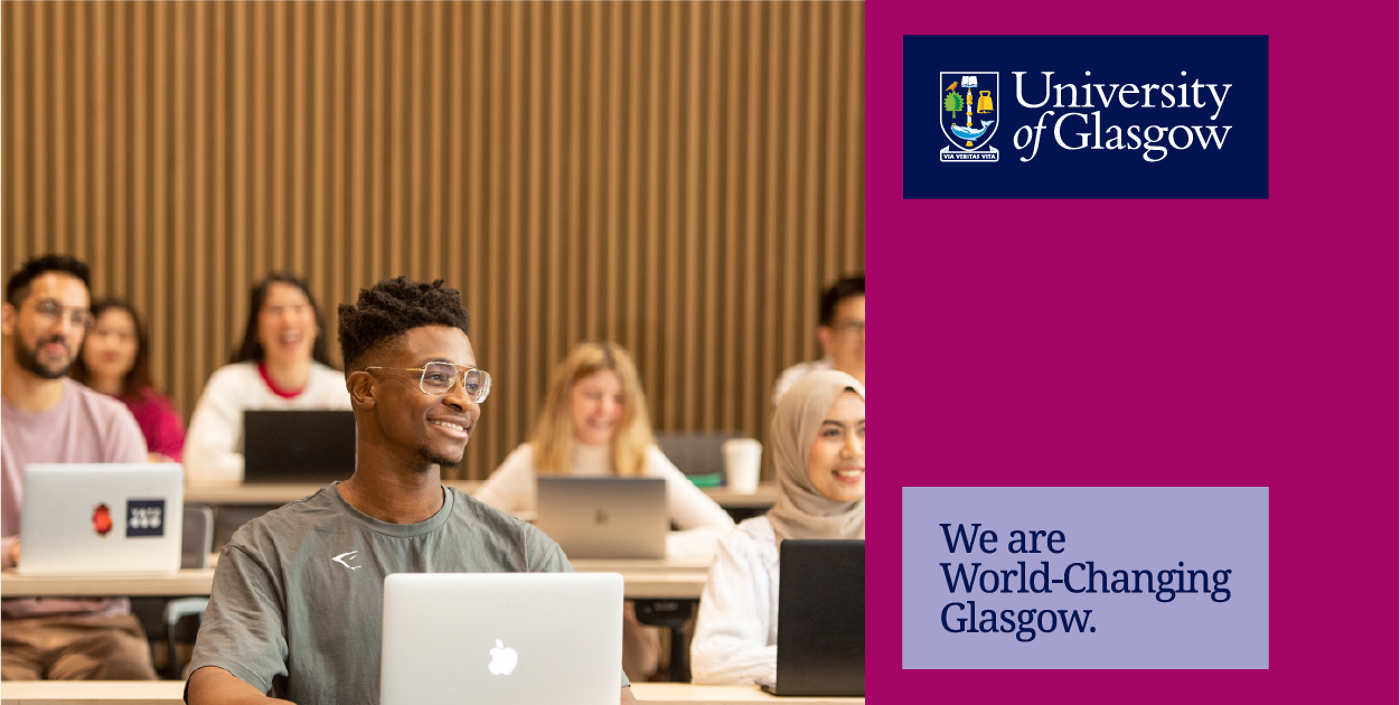
University Blue background
- Use unboxed logo
- Position: top left
Brand message
- Sectioned landscape artwork: use unboxed stacked brand message because coloured column is portrait
- Position: bottom left
- Size: same width as logo
- Colour: White or secondary light palette
Example 17
Secondary dark coloured background
- Use either boxed or unboxed logo
- Position: top left
Brand message
- Sectioned landscape artwork: Use boxed stacked brand message if logo is boxed, and unboxed if logo is unboxed. Stacked version because coloured column is portrait
- Position: bottom left
- Size: same width as logo
- Colour: Choose a complementary secondary colour from light palette that works with the image

Example 18
Secondary light coloured background
- Use either boxed or unboxed logo
- Position: top right
Brand message
- Sectioned landscape artwork: Use boxed stacked brand message if logo is boxed, and unboxed if logo is unboxed. Stacked version because coloured column is portrait
- Position: bottom left
- Size: same width as logo
- Colour: University Blue only
Example 19
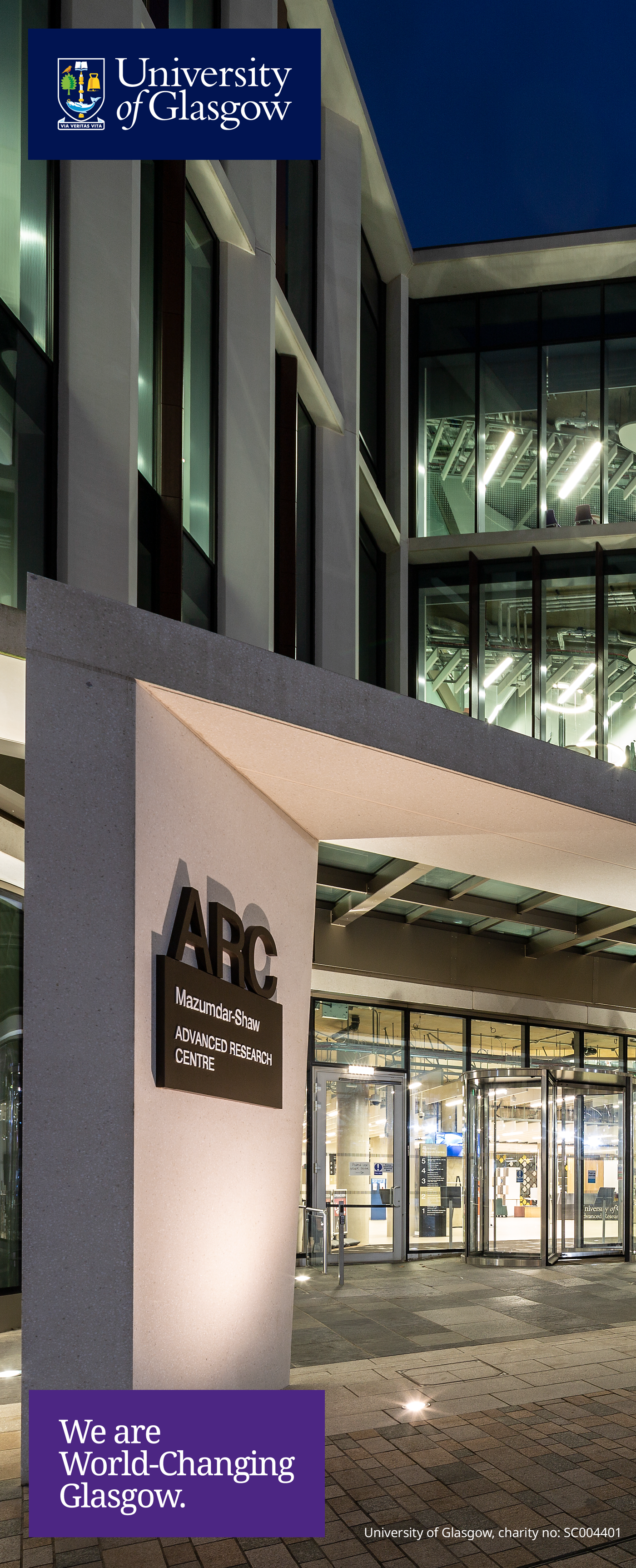
Photographic background
- Always use boxed logo
- Position: top left
Brand message
- Portrait artwork: use boxed stacked brand message
- Position: bottom left (option available to choose bottom right)
- Size: same width as logo
- Colour: Choose a complementary secondary colour from light palette or dark palette that works with the image choice
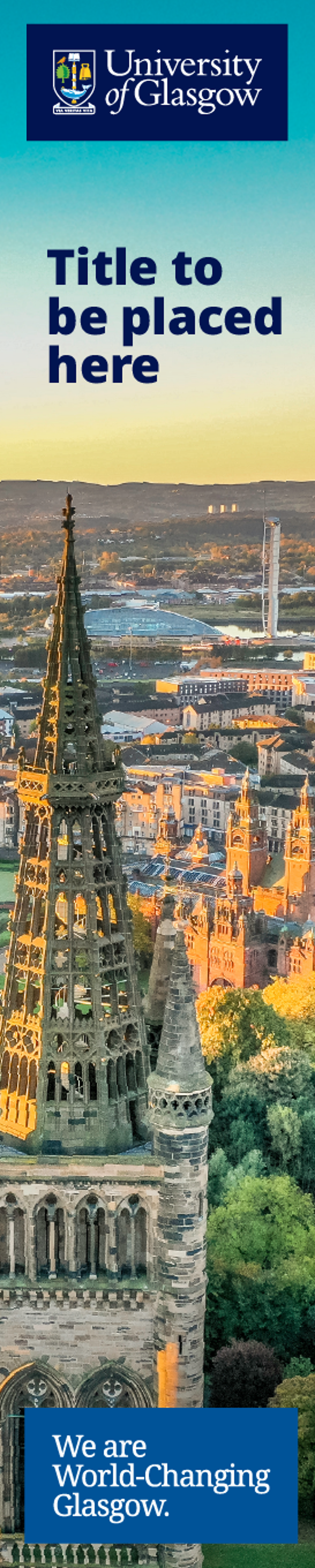
Example 20
Photographic background
- Always use boxed logo
- Position: centred (rather than left)
Brand message
- Portrait artwork: use boxed stacked brand message
- Position: centred
- Size: same width as logo
- Colour: Choose a complementary secondary colour from light or dark palette that works with the
image choice
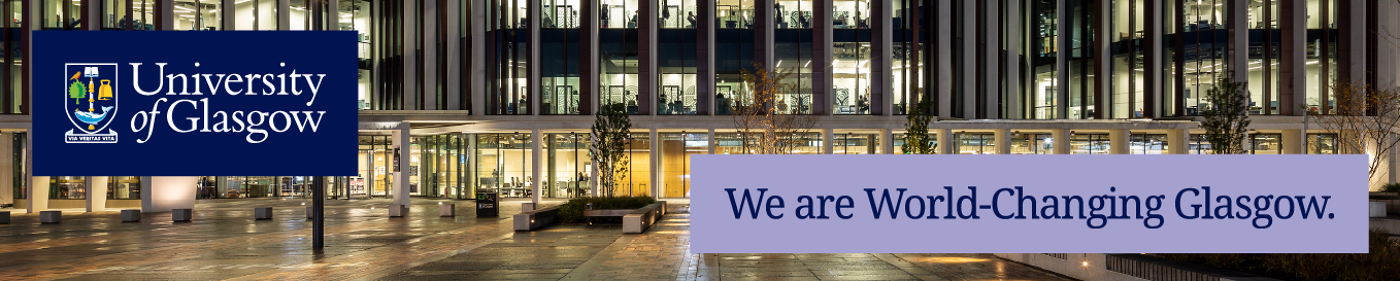
Example 21
Photographic background
- Always use boxed logo
- Position: top left
Brand message
- Landscape artwork: use boxed linear brand message
- Position: bottom right
- Size: double width of logo
- Colour: Choose a complementary secondary colour from light or dark palette that works with the image choice